
On-Premises NAS / File Server → SharePoint & Azure Files or Azure File Sync
Zero-VPN real-time collaboration & enterprise cloud file management
- From
- Local NAS (Synology/QNAP/Buffalo) or Windows File Server
- To
- Microsoft SharePoint Online, Microsoft Teams & Azure Files / Azure File Sync
- Price
- Starting at $1,500
- Duration
- Approx. 1–3 Weeks
Overview
What you get
Get away from a NAS that is running out of space and slow VPN connections. Moving to Microsoft SharePoint Online or Azure Files gives you secure, scalable access, seamless collaboration and modern file management.
- No more heavy VPN connections: fast file access, even when working remotely
- Several people can edit the same Excel or Word file at the same time (with SharePoint)
- Large-capacity storage with local caching through Azure Files / Azure File Sync
- Fine-grained access permissions (by department, by role, read-only for external guests, and more)
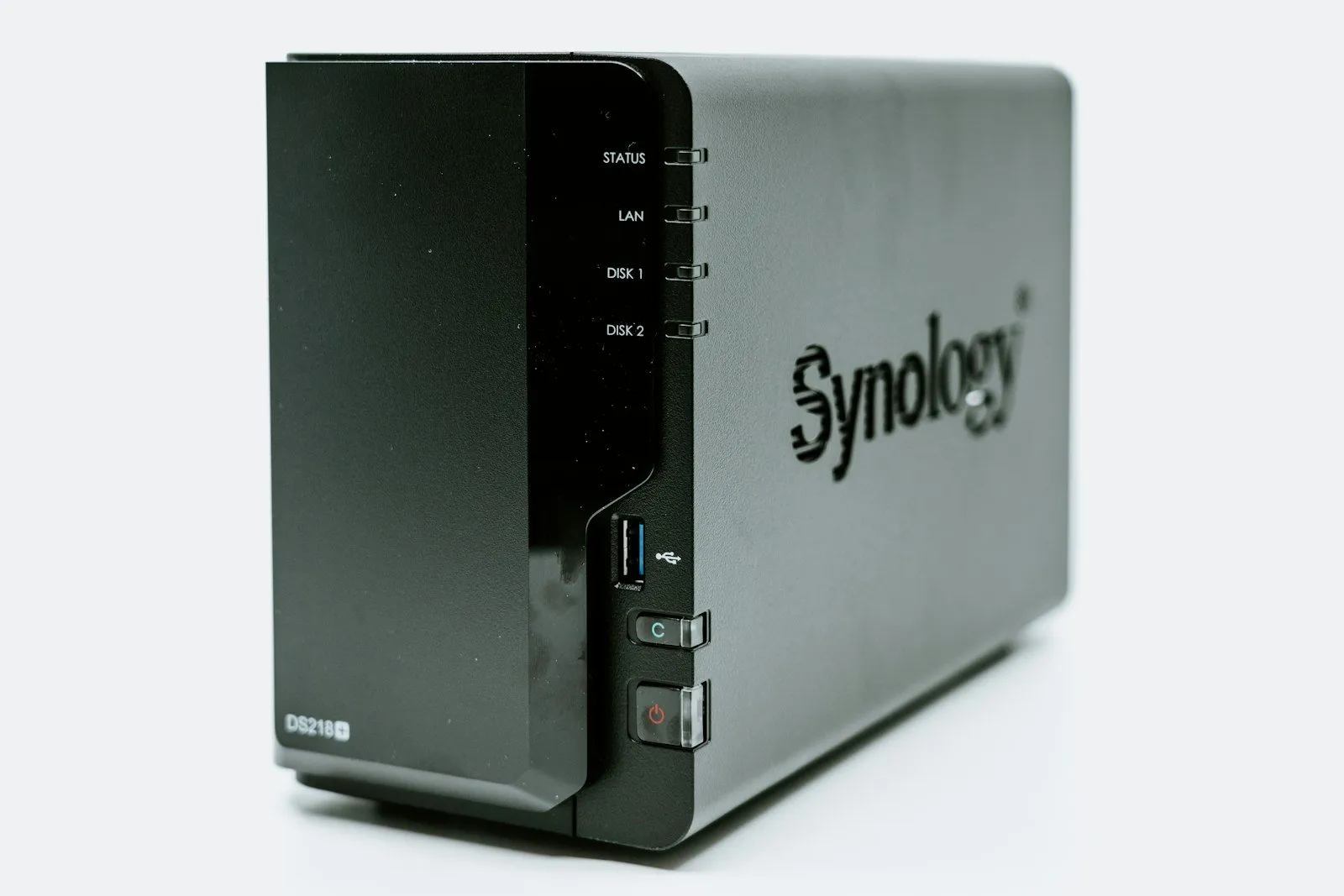
Before and after
What changes after the migration
BEFORE: Legacy File Storage
- Hardware End-of-Life & physical disk failure risks
- Limited storage capacity and costly hardware upgrades
- Slow or unreliable VPN access for remote users
- Difficult file sharing and collaboration across locations
- Complex permission and access management
AFTER: Modern Microsoft Cloud File Storage
- Access business files securely from virtually anywhere
- Collaborate in real time with Microsoft 365 and Teams
- Scale storage without replacing or upgrading physical hardware
- Granular permissions and centralized access management
- Reduce dependency on VPN-based file access
- Keep frequently accessed files local while extending storage to Azure with Azure File Sync
How it runs
Five steps, one engineer
- Help organizing the file structure and data volume, and taking stock of data you no longer need
- SharePoint & Azure Files site design and permission mapping
- Secure data transfer with migration tools (SharePoint Migration Tool / Azure File Sync)
- Recreating access permissions and preventing broken links
- A user guide for all staff and a hands-on walkthrough session
Packages
File Migration Service Packages
| Package | Price | Scope |
|---|---|---|
| File Migration Basic | $1,500〜 | Small-scale NAS/File Server → SharePoint / Azure Files |
| File Migration Plus | $2,500〜 | Assessment + Migration + Permissions + Cutover |
| Cloud File Transformation | $3,500〜 | SharePoint / Azure Files Architecture + Migration + User Rollout |
| Complex Migration | $5,000+ | High Volume, Multi-Server, Complex Permissions & Multi-Site |
30-day post-migration stabilization warranty. Every migration includes pre-migration audits, design, dry-run testing, a weekend cutover, user connectivity checks and documentation.
FAQ
Questions about migrations
What is included in the Cloud Migration service?
It includes complete pre-migration workload audits, Microsoft 365 / Azure tenant architecture design, data transfer staging, dry-run testing, weekend cutover to minimize business disruption, user connectivity checks, documentation, and a 30-day post-migration stabilization warranty.
What can we cover during the 1-Hour Free Consultation?
Anything related to your IT environment! Common topics include: software and cloud licensing optimization, auditing cloud cost waste, planning an on-premise server migration to Azure, resolving sluggish office Wi-Fi, reviewing your cybersecurity posture, or scoping new employee PC onboarding. We provide honest technical advice and an instant cost estimate.
Planning a migration?
Start with a free 1-hour consultation: honest technical advice on your environment, and a cost estimate.
Or email info@makeitworks.net